
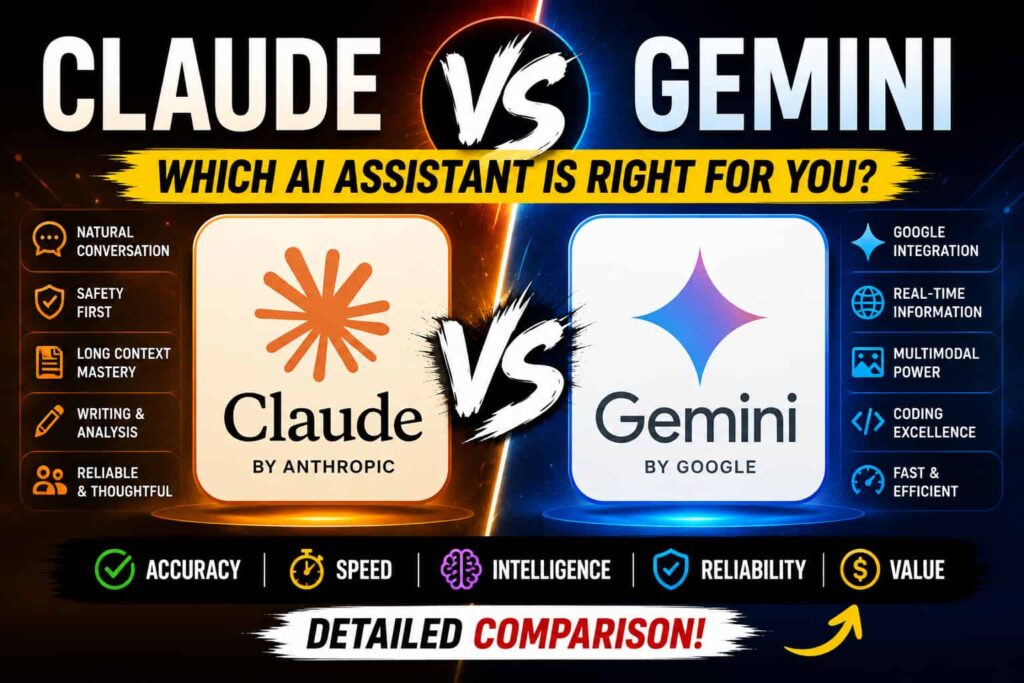
If you’ve narrowed your AI options down to Claude and Gemini, you’re not really choosing between “good” and “bad.” Both are genuinely capable models built by two of the biggest names in AI. The real question is which one matches how you work day to day, because their strengths pull in noticeably different directions.
I’ll walk through where each one actually pulls ahead, not just the marketing pitch.
Two Different Philosophies
Claude, built by Anthropic, has built a reputation around writing quality, careful reasoning, and coding. People who use it for long-form writing or editing tend to say the same thing: it holds onto tone and formatting instructions better across long outputs, and it doesn’t drift into that generic, corporate-sounding phrasing that AI writing sometimes falls into.
Gemini, built by Google, leans hard into scale and integration. It’s designed to work well inside the tools people already use every day Gmail, Docs, Sheets, Drive and it can pull in real-time information from the web natively, something Claude currently can’t do on its own.
Neither approach is “wrong.” They’re just optimized for different jobs.

Where Claude Pulls Ahead
For coding, Claude has built a strong following, especially for multi-file refactoring, debugging larger codebases, and building working software rather than just isolated snippets. It also tends to be the preferred pick for careful, high-stakes writing legal summaries, medical explanations, financial analysis because of how conservative and structured its outputs tend to be.
If you spend a lot of time writing, editing, or working through complex reasoning problems where accuracy actually matters, Claude is usually the one that holds up better under scrutiny.
Where Gemini Pulls Ahead
Gemini’s biggest advantage is context and integration. Its context window is large enough to process entire repositories, long legal documents, or even whole books in one go something Claude’s context window, while still large, can’t quite match. On top of that, Gemini can browse the web in real time, which matters a lot if your work depends on current events, stock prices, or anything time-sensitive.
If you’re already living inside Google Workspace, Gemini also just fits more naturally into your existing workflow instead of requiring a separate app or tab.
Side-by-Side Comparison
| Feature | Claude | Gemini |
|---|---|---|
| Core strength | Writing quality, reasoning, coding | Scale, multimodality, real-time info |
| Context window | Large, strong for most tasks | Very large, built for massive documents |
| Real-time web access | Not built-in | Yes, native |
| Google Workspace integration | None | Deep (Docs, Sheets, Gmail, Drive) |
| Coding performance | Strong, especially for larger codebases | Solid, but generally behind Claude |
| Writing quality | Frequently preferred in blind tests | Competent, more workflow-focused |
| Free tier | Yes, with daily limits | Yes, with daily limits |
| Paid tier starting price | Around $20/month | Around $20/month |
| Best for | Long-form writing, coding, careful analysis | Research, multimodal tasks, Google-native workflows |
Pricing: Closer Than You’d Think
A few years ago, pricing was one of the clearer ways to tell these platforms apart. That’s changed. Both Claude and Gemini now sit around the same $20/month price point for their standard paid tier, with higher usage tiers available for power users on both sides. At this point, the real difference isn’t the sticker price it’s what you actually get for it: usage limits, feature access, and how well it fits your existing tools.
So, Which One Should You Pick?
If most of your work involves writing, editing, or coding where precision matters, Claude is usually the safer bet. If your work depends on real-time information, huge documents, or you’re already deep in the Google ecosystem, Gemini is going to feel more natural to use.
And honestly, a lot of people don’t pick just one. It’s fairly common to use Claude for writing and coding, and Gemini for research or anything that needs to plug directly into Google Docs or Sheets. If the budget allows for both, running them side by side isn’t overkill it’s just using the right tool for the right task.
If you’re still figuring out where AI fits into your workflow generally, it might help to check out our guide on choosing the right AI assistant for your team or how to prompt AI tools more effectively before settling on one platform.
For the most current details on either tool, it’s worth checking the source directly Anthropic’s official Claude page and Google’s Gemini page are the most reliable places to confirm current pricing and features, since both change fairly often.
Final Thoughts
Claude vs Gemini isn’t really about which one is “better” in some absolute sense it’s about which one matches your actual workflow. Claude tends to win when the task is writing or coding and quality matters more than speed. Gemini tends to win when scale, real-time data, or Google integration are the priority. Knowing which category your work falls into makes the decision a lot easier than any benchmark chart ever will.
Frequently Asked Questions
1. Is Claude better than Gemini for coding? For most developers, yes. Claude is generally the stronger pick for multi-file projects, debugging, and building working software, while Gemini tends to lag slightly behind on coding-specific benchmarks.
2. Does Gemini have access to real-time information? Yes. Gemini can browse the web natively, which gives it an advantage for anything involving current events, live data, or recent news. Claude doesn’t have this built in by default.
3. Which one is cheaper, Claude or Gemini? Pricing has largely converged both offer free tiers and paid plans starting around $20/month, so cost usually isn’t the deciding factor anymore.
4. Can Gemini work inside Google Docs and Sheets? Yes, that’s one of Gemini’s biggest advantages. It integrates directly with Google Workspace tools, letting you draft and edit without switching apps.
5. Should I use both Claude and Gemini instead of picking one? Plenty of people do exactly that using Claude for writing and coding, and Gemini for research or Google-native tasks. If your budget allows it, running both isn’t unusual.





2 Responses
The content is really great
That was amazing