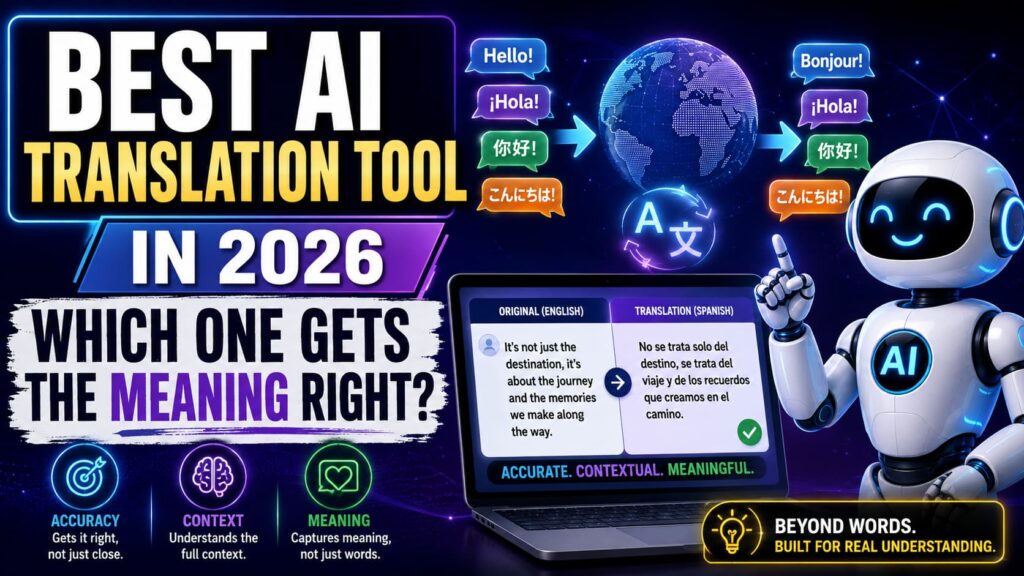
Anyone who’s used Google Translate back in 2015 and then again last year knows how far machine translation has come. It used to spit out sentences that were technically words in the right language but not really… sentences. Now, the best AI translation tool options can pick up on tone, context, and even idioms well enough that native speakers sometimes can’t tell it wasn’t written by a person.
That said, “AI translation” isn’t one single thing anymore. Some tools are built for quick everyday phrases, others for legal or medical documents where a wrong word actually matters, and a few are aimed specifically at translating entire websites or apps without breaking the layout. Picking the wrong one for the job is how you end up with a contract translated in a tone meant for casual chat.
This guide breaks down what’s actually changed with AI translation, a few tools worth looking at, and how to match one to what you’re actually trying to do.
What’s Different About AI Translation Now
Older machine translation worked phrase by phrase, which is why it used to miss context so often. Modern AI tools translate with the whole sentence, sometimes the whole paragraph, in mind, which changes a few things in practice:
- Context awareness – the tool can tell “bank” the riverbank from “bank” the financial institution based on the rest of the sentence
- Tone matching – formal documents come out formal, casual messages come out casual, instead of everything sounding the same
- Idiom handling – expressions get translated to something that actually makes sense in the target language, not word-for-word
- Document formatting – PDFs, slides, and web pages can be translated while keeping their original layout intact
- Real-time speech translation – some tools now handle live conversation, not just typed text
None of this means machine translation is flawless. It’s just a lot closer to how a human translator actually thinks than the old word-substitution systems were.
A Few Tools Worth Trying
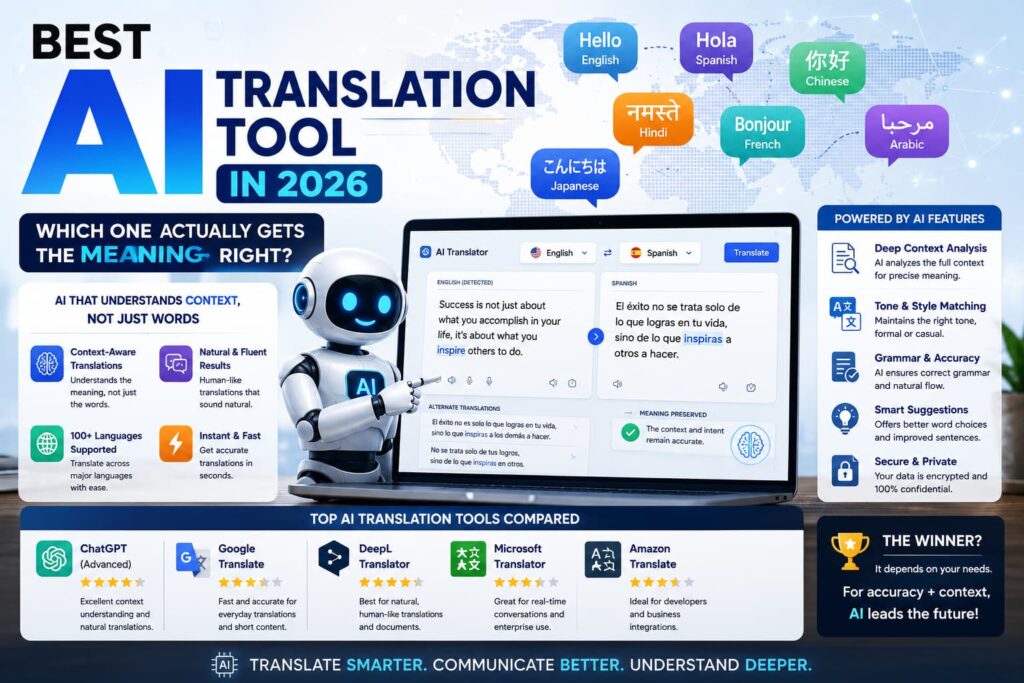
| Tool | Best For | Standout Feature | Free Plan |
|---|---|---|---|
| DeepL | Accuracy on European languages | Natural, context-aware phrasing | Yes (limited) |
| Google Translate | Quick everyday translation | Huge language coverage, live camera translation | Yes (free) |
| Microsoft Translator | Business & document translation | Integrates with Office and Teams | Yes (limited) |
| Reverso | Learning + translation together | Shows real usage examples in context | Yes (limited) |
| Smartling | Website & app localization | Keeps formatting/code intact while translating | Paid (trial available) |
Free tiers usually cap word count or file size, so it’s worth checking current limits directly on each provider’s site before relying on one for bigger projects.
How to Pick the Right One
Honestly, the “best” tool depends heavily on what you’re translating and how much accuracy actually matters.
If you’re translating something casual, like a message to a friend or a quick product description, Google Translate is fast and covers more languages than almost anything else. If you need translations that read naturally rather than just technically correct, DeepL tends to edge out the competition, especially for European languages. Business teams dealing with contracts, reports, or internal documents usually do better with Microsoft Translator, mostly because it plugs directly into tools like Word and Outlook. And if you’re localizing an entire website or app, a dedicated tool like Smartling is worth the cost since it keeps the code and formatting from breaking.
One thing worth remembering: for anything legally binding or medically sensitive, AI translation should still get a human review before it’s finalized. It’s a huge time-saver, not a replacement for a professional translator in those cases. If you’re also cleaning up written content in general, it’s worth pairing this with a guide on AI writing tools to cover both sides of the process.
Where AI Translation Actually Helps
- Cuts translation turnaround from hours to seconds for most everyday content
- Keeps tone consistent instead of sounding robotic or overly literal
- Handles document formatting automatically instead of you rebuilding it after
- Makes multilingual customer support realistic for smaller teams
- Lowers the cost barrier for businesses that can’t afford a full-time translator
Where It Still Falls Short
Even the best tools can stumble on heavy slang, regional dialects, or anything culturally specific that doesn’t have a direct equivalent. Legal and medical translation still carries real risk if it’s not reviewed by someone fluent in both the language and the subject matter. And less common languages tend to get noticeably worse results than major ones like Spanish, French, or Mandarin, simply because there’s less training data available. Even providers known for stronger accuracy, like DeepL, still recommend human review for anything high-stakes.
Bottom Line
The right AI translation tool really comes down to what you’re translating and how much the details matter. For everyday use, something free and fast like Google Translate is usually enough. For anything where tone and accuracy count, DeepL or Microsoft Translator are worth the extra step. And for larger projects like full website localization, it’s worth paying for a tool built specifically for that. Try two or three against a document you actually work with and see which one comes closest to how you’d translate it yourself.
FAQs
1. What’s the most accurate AI translation tool? DeepL is widely considered one of the more natural-sounding options, especially for European languages, though accuracy varies by language pair.
2. Is Google Translate good enough for business use? It’s fine for quick, informal translations, but for contracts, reports, or anything formal, a tool like Microsoft Translator or a human reviewer is a safer bet.
3. Can AI translation tools handle live conversations? Some can. Google Translate and a few others support real-time speech translation, though accuracy drops with heavy accents or fast speech.
4. Do AI translation tools keep document formatting intact? Many do now, especially for PDFs and Word documents, but layout-heavy files like slides sometimes need manual touch-ups afterward.
5. Should I still hire a human translator? For anything legal, medical, or high-stakes, yes AI translation is a great first pass, but human review still matters when accuracy has real consequences.