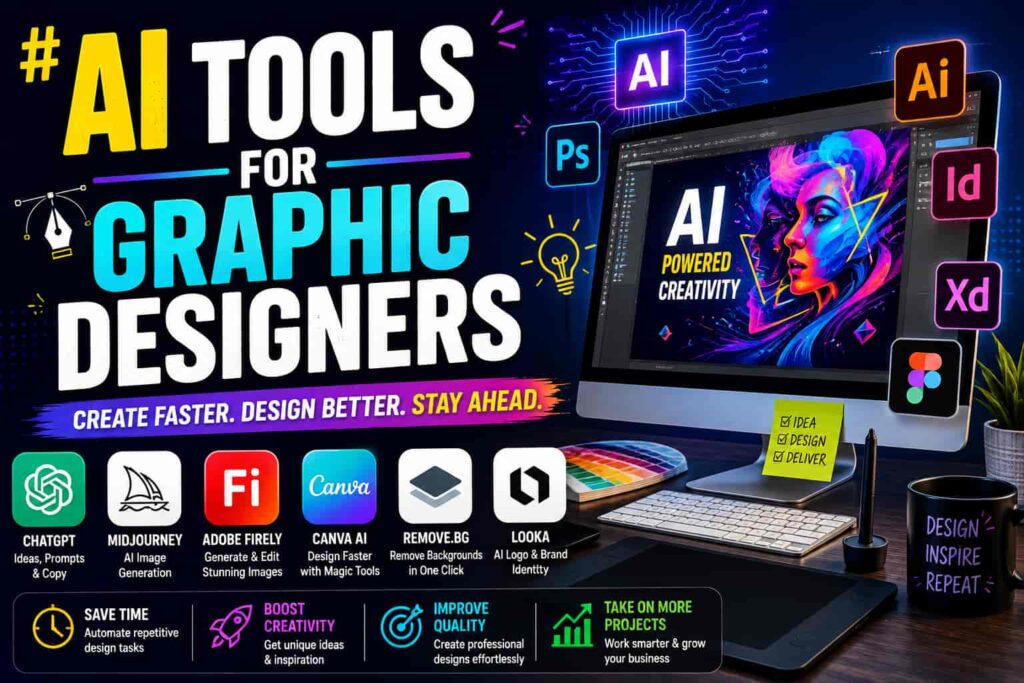
A graphic designer’s job was never really “generate one image.” It’s brief, reference gathering, concept exploration, revisions, and finally exporting something a client can actually use. That’s exactly why no single AI tool has managed to take over the whole workflow and why most working designers in 2026 aren’t using one all-in-one app, they’re running two or three tools that each handle a different part of that process.
This isn’t about replacing design skill with a prompt box. It’s about cutting the slow, repetitive parts (mockups, background removal, first-draft concepts, color variations) so more of your time goes into the decisions that actually need a human eye.
Where AI Actually Helps in the Design Process
Before picking tools, it helps to break design down into what it actually involves:
- Concept and mood boarding gathering references and direction before any artwork starts.
- Image generation creating original visuals from a text prompt or rough sketch.
- Layout and composition arranging elements into a finished, usable design.
- Refinement background removal, upscaling, color correction, small fixes.
- Handoff exporting in the right formats for print, web, or a client’s brand system.
Different tools are strong in different phases, which is why a small stack usually beats trying to force one tool to do everything.
Best AI Tools by Design Task
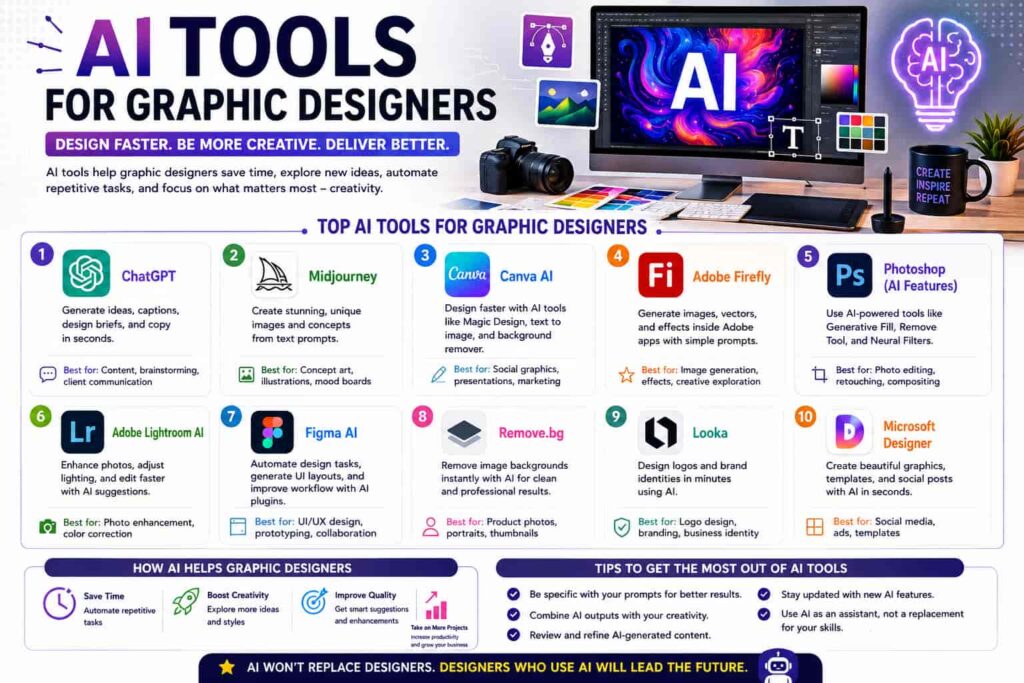
Canva Magic Studio The most practical all-in-one option for a lot of graphic designers, especially for social content, presentations, and marketing assets. Its AI features (Magic Design, background remover, text-to-image) cover a lot of ground without needing a steep learning curve.
Adobe Firefly Built directly into Photoshop and Illustrator, which makes it the safer choice when a client needs commercially clean generation with clear usage rights. It’s less about flashy output and more about fitting into a professional pipeline you already trust.
Midjourney Still one of the strongest tools for artistic image quality, concept art, and visual exploration. It’s less about production-ready assets and more about generating ideas and directions quickly before committing to a final concept.
Recraft Worth knowing about specifically for vector work and brand-consistent generation, since a lot of general image generators struggle to keep a consistent visual style across multiple assets.
Figma AI For designers working across UI and branding, Figma’s AI features speed up repetitive layout and component work without pulling you out of the tool you’re already using for handoff.
ChatGPT or Claude Not a design tool in the traditional sense, but genuinely useful for fast reasoning: naming conventions, writing a design brief, summarizing client feedback, or drafting the copy that goes inside a design.
Quick Comparison: AI Design Tools by Phase
| Tool | Best Phase | Best For |
|---|---|---|
| Canva Magic Studio | Generation + Layout | Social graphics, presentations, quick turnarounds |
| Adobe Firefly | Generation | Commercially safe images inside Photoshop/Illustrator |
| Midjourney | Concept/Ideation | Artistic exploration, mood boards |
| Recraft | Generation | Vector graphics, consistent brand style |
| Figma AI | Layout/Handoff | UI components, design systems |
| ChatGPT/Claude | Research/Copy | Briefs, naming, client-facing writing |
Building a Workflow, Not Just a Tool List
A reasonable way to think about your own stack: pick one tool to help with the messy upstream thinking (briefs, references, direction), one for actual generation or layout, and one or two specialized tools for things like vectors or background work. Trying to run every phase through a single generalist tool usually means compromising quality somewhere along the way a jack-of-all-trades image generator rarely nails both artistic quality and clean, editable output.
It’s also worth being deliberate about which AI outputs you actually keep. The designers getting the most value out of these tools aren’t the ones generating the most images they’re the ones who know which drafts are worth refining and which ones to throw out. If you’re also refining how you price design work as your turnaround speeds up, our guide to pricing creative freelance work is a useful next read.
Copyright and Commercial Use Considerations
This is worth taking seriously, not just mentioning in passing. Some AI image generators have unclear or restrictive commercial licensing, and using AI-generated imagery in paid client work without checking the tool’s terms can create real problems down the line. Tools like Adobe Firefly are generally positioned as safer for commercial use since they’re trained with licensing in mind, but it’s still worth confirming a tool’s current terms before shipping AI-generated visuals in client deliverables. When in doubt, use AI output as a reference or starting point and finish the asset yourself rather than shipping it untouched.
FAQs
Which AI tool is best for graphic designers just getting started with AI? Canva Magic Studio is usually the easiest entry point since it combines generation and layout in one familiar interface without a steep learning curve.
Can AI-generated images be used commercially? It depends on the tool. Adobe Firefly is generally considered safer for commercial client work due to its licensing approach; always check a tool’s current terms before using outputs in paid deliverables.
Will AI tools replace graphic designers? Unlikely in the near term. AI speeds up repetitive tasks like backgrounds, mockups, and first drafts, but judgment, brand understanding, and client communication still require a human designer.
Do I need more than one AI tool for design work? Most working designers use two or three tools together, since no single tool covers ideation, generation, and layout equally well.
Is Midjourney or Adobe Firefly better for client work? Midjourney tends to produce more artistic, exploratory imagery, while Adobe Firefly is often preferred for client-facing work due to its commercial licensing and integration with Photoshop and Illustrator.
Bottom Line
The graphic designers getting real value from AI in 2026 aren’t chasing every new tool that launches they’re matching a small, deliberate stack to the specific phases of their workflow that are actually slow. Start with where your own bottleneck is (ideation, generation, or layout), pick one tool for that phase, and build outward from there.
Sources referenced: