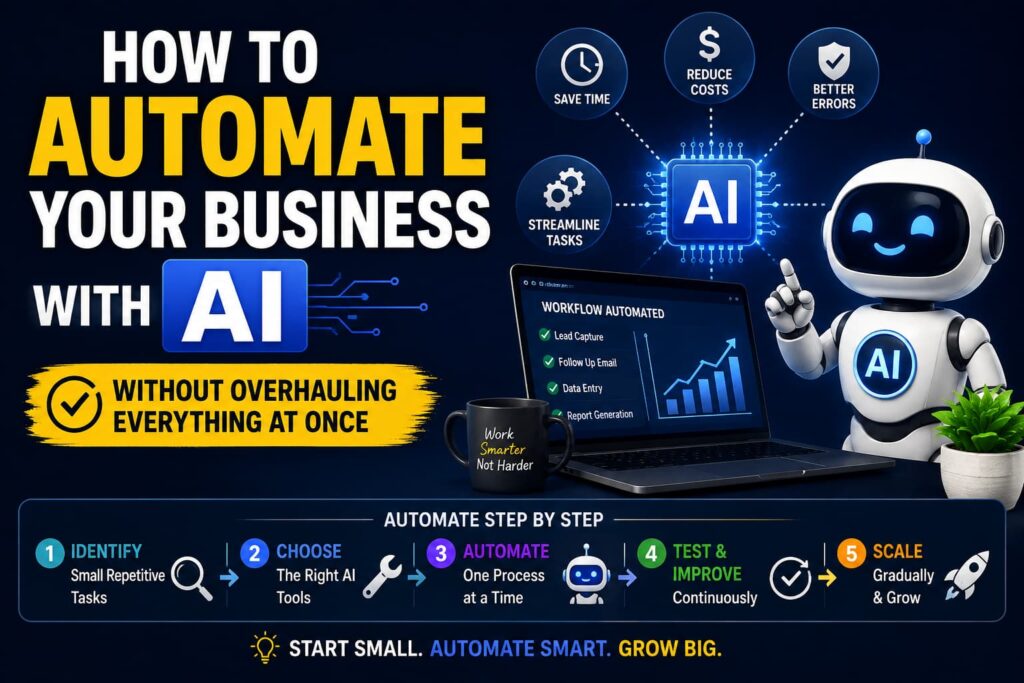
A shop owner I know spent almost a month “researching AI automation” before actually touching a single tool. By the time she finally set something up, she’d talked herself into automating five processes simultaneously, and predictably, none of them worked cleanly. That’s the most common mistake in this whole space treating automation like a big-bang project instead of something you build one working piece at a time.
So here’s a more grounded walk-through of how to actually automate your business with AI, without breaking everything you already have running.
Start By Writing Down What Actually Happens Today
Before touching any tool, the first real step is documenting your current process exactly as it happens, not how you wish it worked. Take something like following up with a new lead: someone fills out a form, your team gets a notification, someone manually copies the details into a CRM, and someone eventually sends a welcome email. That’s four separate manual steps, and every one of them is a place where things get delayed, forgotten, or done inconsistently.
Spend real time listing the repetitive tasks your team does daily or weekly, and for each one, note how long it takes, how often it happens, and whether it follows a consistent, predictable pattern. Tasks that are frequent, time-consuming, and rule-based are strong automation candidates. Tasks that need subjective judgment, relationship nuance, or genuine creativity should stay with a human automating those tends to backfire.
Pick One Process, Not Five
This is the part people skip, and it’s the part that actually matters most. Choose one process for your first automation, not three. It’s tempting to want to fix everything at once, especially once you start seeing how many manual steps exist across the business, but trying to automate five workflows simultaneously usually means none of them get built properly, tested honestly, or actually adopted by your team.
Pick the process that’s frequent enough to matter, painful enough to be worth the effort, and simple enough that you can get it right before moving to the next one.
Understand What Kind of Automation You Actually Need
There’s a real difference between basic task automation and what’s now called agentic AI, and knowing which one your process needs changes everything about how you build it. Basic automation connects apps and moves data a form submission creates a spreadsheet row, a payment triggers an email. It works well for simple, predictable, rule-based tasks.
Agentic AI goes further. Instead of just moving data along a fixed path, it can read messy input, decide what it actually means, and take the next best action without every scenario being manually programmed in advance. Where basic automation might move a form submission into a spreadsheet, an AI agent can read the form, figure out the type and urgency of the request, draft a personalized reply, update the CRM, and flag the right person, all without a rigid script covering every possible case.
What the Process Actually Looks Like
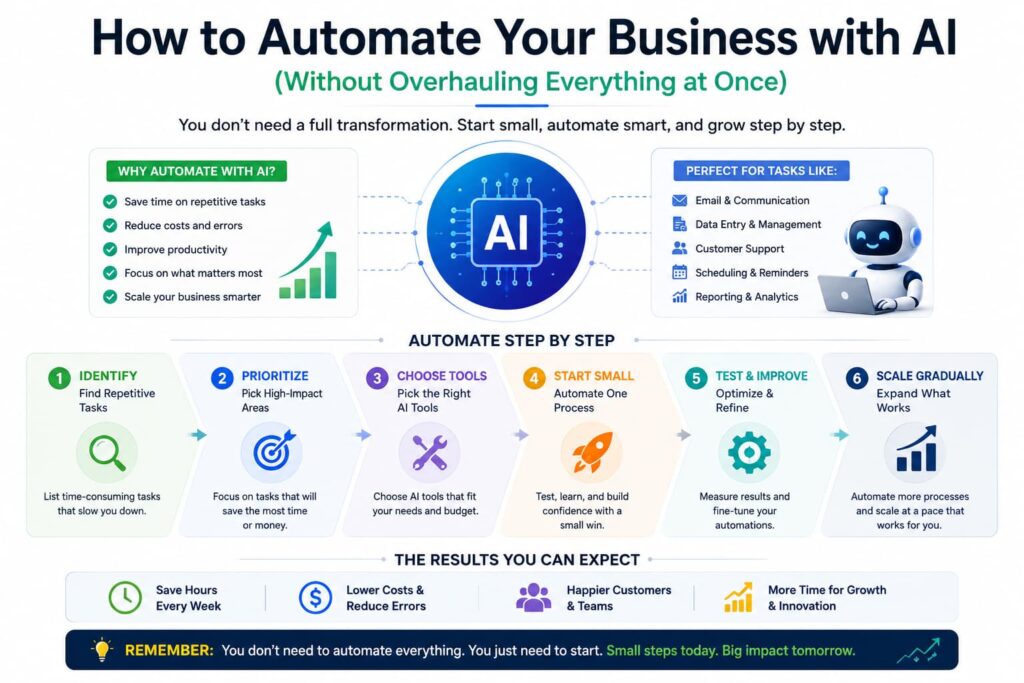
Step What Happens
Document the process Write out every step exactly as it happens today, including who does what
Score and prioritize Rank tasks by frequency, time cost, and how rule-based they are
Pick one to start Choose a single process instead of automating several at once
Choose the right approach Basic automation for simple tasks, agentic AI for messier, judgment-heavy ones
Build and test Set it up, run it alongside the manual process briefly, and check the results
Measure honestly Track whether it actually saved time and reduced errors
Expand gradually Move to the next process only once the first is stable and trusted
Task Automation vs. Agentic AI
Basic Task Automation Agentic AI Automation
Handles unstructured input No Yes
Makes judgment calls No Yes, within set boundaries
Needs every scenario pre-programmed Yes No
Best suited for Simple, repetitive, predictable tasks Messier, variable, decision-heavy tasks
Setup complexity Lower Higher, but more capable
Where Businesses Usually See Results First
Lead follow-up and customer support tend to be the earliest wins, since both involve a high volume of repetitive, structured interactions that don’t really need a human touch for the routine parts. Internal admin status updates, data entry, routing requests to the right person is another common starting point, mostly because it’s pure overhead with almost no upside to doing it manually.
Marketing and content production are also common early targets, since generating drafts, outlines, and routine copy is one of the more immediately measurable wins from AI. What tends not to work well early on is anything customer-facing and emotionally sensitive, or anything that depends heavily on relationship context a system doesn’t have access to yet.
Don’t Treat It as a One-Time Project
Automating a business with AI isn’t something you finish. It’s a capability you build over time, one process at a time. Start with something small, measure honestly whether it actually helped, and only then move to the next candidate on your list. Businesses that try to move the fastest usually aren’t the ones that end up ahead the ones that build stable, well-documented systems their team actually trusts and uses tend to win out over time.
Once you’ve automated a process or two, it’s worth stepping back and looking at AI workflow automation tools as a broader category, since the right platform choice early on makes every process after the first one significantly easier to add.
The Bottom Line
Automating your business with AI isn’t about finding one tool that does everything it’s about documenting what actually happens today, picking one process at a time, matching the right type of automation to the task, and measuring whether it genuinely worked before expanding. Businesses that treat this as a steady, methodical build tend to end up with systems people actually rely on, instead of a pile of half-working automations nobody trusts.
FAQs
Where should a small business start with AI automation? Start by documenting your most repetitive weekly tasks, then pick just one process often lead follow-up, customer support, or internal admin rather than trying to automate several things simultaneously.
Do I need a technical team to automate my business with AI? Not necessarily. Many no-code and low-code tools are designed for non-technical users, though genuinely complex, multi-department automations may still benefit from technical support.
What’s the difference between basic automation and agentic AI? Basic automation follows fixed rules and moves data between apps. Agentic AI can interpret messy input, make decisions, and take multi-step actions without every scenario being manually programmed.
How long does it take to automate a business process with AI? It varies by complexity, but a single, well-scoped process can often be built and tested within days to a few weeks, especially using existing no-code tools.
Should I automate every repetitive task in my business? No. Tasks that need judgment, relationship nuance, or creative input generally shouldn’t be automated. The best candidates are frequent, predictable, and rule-based.
Further reading:
Parix.ai – How to Automate Business Processes With AI
AI Genius Optimizer – How to Automate Your Business with AI: A Practical Guide
Nimble AppGenie – How to Automate Your Business with AI in 2026