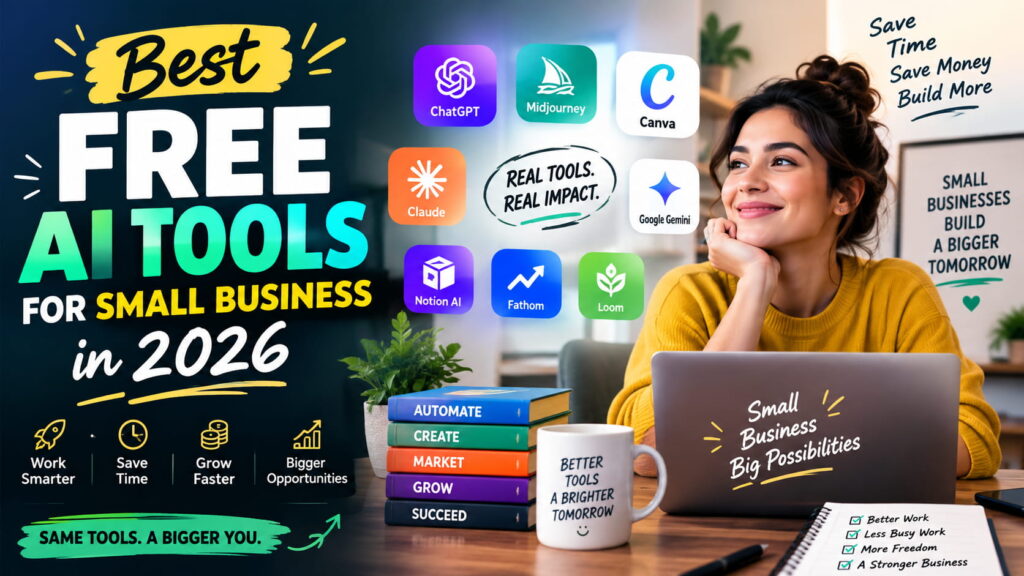
I run a small team, and last year our “tool budget” basically didn’t exist. We were doing everything manually writing product descriptions at midnight, designing Instagram posts in Canva’s free trial version, and typing up meeting notes from memory the next morning. Somewhere around March, I started actually testing free AI tools instead of just hearing about them from LinkedIn posts, and a few of them stuck.
This isn’t a “top 20 AI tools” dump. It’s the short list of what small businesses like mine actually kept using after the novelty wore off plus a few honest warnings about where these tools fall short.
Why Bother With Free AI Tools at All
Most AI software is priced like every customer is a 200-person company. If you’re running a small shop, a free plan is really the only sane way to figure out what’s worth paying for later. The mistake I made early on was signing up for five tools in one week and using none of them properly. Pick one problem writing, design, notes, research and start there.
The Tools That Actually Earned a Place in Our Workflow
| Tool | Best For | Free Plan Limit | Why It’s Worth Using |
|---|---|---|---|
| ChatGPT (Free) | Writing emails, product copy, quick replies | Limited daily messages | Fastest way to get a rough draft you can edit, not perfection |
| Canva AI | Social posts, simple ad graphics | Free tier with AI features included | No design background needed, decent output in minutes |
| Notion AI | Meeting notes, project planning | Limited AI credits per month | Keeps scattered notes in one searchable place |
| Google Gemini | Quick research, drafting inside Docs/Gmail | Free with a Google account | Sits right where you’re already working |
| Perplexity AI | Competitor and market research | Free with daily limits | Actually cites sources instead of making things up |
| Otter.ai | Transcribing and summarizing calls | Limited monthly minutes | Cuts down time spent writing meeting recaps by hand |
None of these are magic. They’re closer to a fast, slightly clumsy assistant that still needs you to check its work.
What Actually Worked For Us (and What Didn’t)
ChatGPT became our default for first drafts emails to vendors, quick replies to customer questions, even outlines for blog posts. It’s not always right, and it definitely doesn’t sound like “us” until we edit it. But it beats a blank page every time.
Canva AI surprised me the most. I’m not a designer, and our Instagram grid used to look like it was thrown together by three different people (because it was). The AI design suggestions gave us a starting template we could tweak in ten minutes instead of an hour.
Notion AI is the one we’re still getting used to. It’s genuinely helpful for summarizing long notes, but the free credits run out fast if your team is chatty in meetings.
Choosing the Right One for Your Business
Don’t copy our exact stack copy the method instead. Ask yourself which task steals the most time from your week. If it’s writing, start with ChatGPT. If it’s visuals, Canva AI. If it’s keeping track of what was said in yesterday’s client call, Otter.ai. Use one tool consistently for two weeks before adding a second. Small teams that adopt everything at once usually end up mastering nothing.
If you want individual breakdowns of how each of these performs on real tasks, our AI Tools & Reviews section covers them one by one.

Fitting AI Into a Bigger Picture
Free tools are a starting point, not a full strategy. Once you’re comfortable with one or two, the next step is figuring out how they connect — scheduling posts, automating follow-up emails, organizing customer data without a spreadsheet meltdown. We wrote more about that in our AI for Business & Marketing section, and if automation is more your interest, the Automation & Workflows category digs into that side of things.
The Honest Limitations
Free plans cap out daily message limits, monthly credits, that sort of thing. You’ll hit the ceiling faster than you expect once a tool becomes part of your daily routine. Output quality also isn’t consistent; anything customer-facing still needs a human read-through before it goes out under your business name. And for anything touching real financial or legal decisions, treat AI output as a rough draft, never the final word.
Final Thoughts
You don’t need a marketing budget to start using AI in a small business. Pick the one task that eats the most of your week, try a free tool against it for two weeks, and see if it actually earns a permanent spot in your routine. That’s really all this comes down to.
FAQs
1. Are these AI tools actually free, or is there a catch? Each one has a real free tier no card required to start. The catch is usage limits: daily messages, monthly credits, that kind of thing. You’ll notice the ceiling once the tool becomes part of your routine.
2. What’s the best free AI tool if I’m running the business alone? ChatGPT tends to cover the widest range writing, brainstorming, quick research without needing three separate apps open.
3. Do I need any technical skill to use these? No. All six work through simple chat or drag-and-drop interfaces. If you can use WhatsApp and Canva’s basic editor, you can use these.
4. Is Canva AI actually good for social media, or just okay? It’s genuinely useful for getting a decent-looking post out fast, especially if design isn’t your strength. It won’t replace a real designer for a big campaign, but for daily posts it holds up well.
5. How do I know when it’s time to upgrade from the free plan? When you’re consistently hitting the usage cap and it’s slowing down real work not before. Don’t upgrade just because a tool exists.