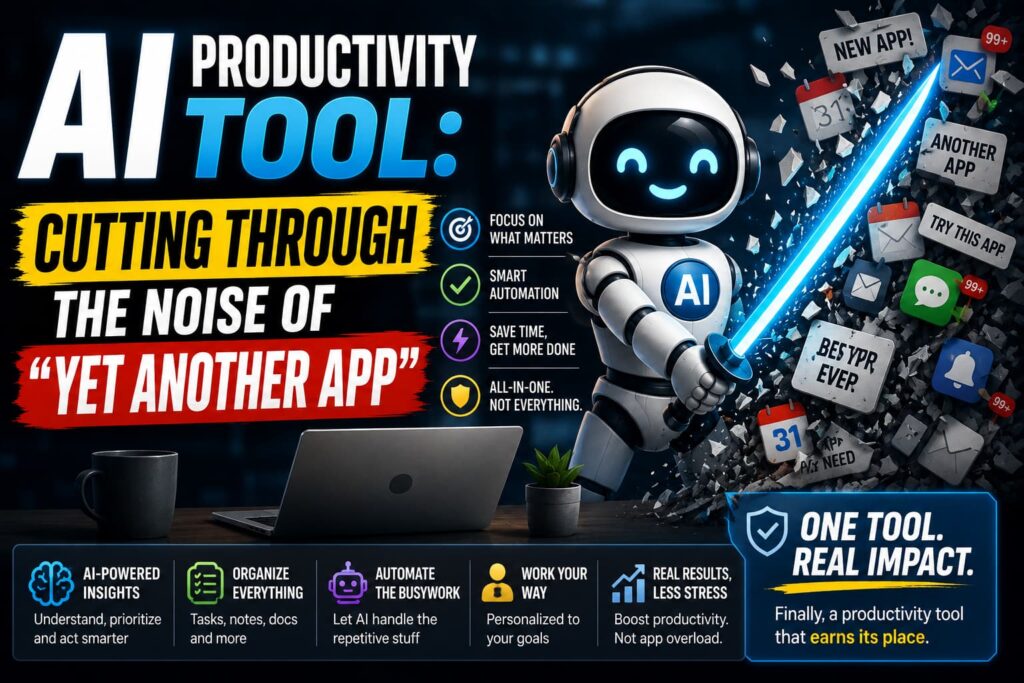
At some point last year, I counted the productivity apps sitting on my laptop and stopped somewhere around fifteen. Each one had promised to fix my workflow. Instead, my workflow now included switching between fifteen apps just to figure out which one I was supposed to be using for what. That’s the trap with this whole category its easy to collect tools and somehow still feel behind.
So instead of another list of “must-have apps,” let’s actually look at what an AI productivity tool is, how it works, and how to avoid turning your desktop into the same graveyard mine became.
What Counts as an AI Productivity Tool, Anyway
The term gets used loosely, but at its core, an AI productivity tool is any software that uses AI to help you get work done faster writing, organizing, scheduling, summarizing, or automating something you’d otherwise do by hand. That’s a wide net on purpose, because the category covers very different jobs. A tool that drafts your emails and a tool that reorganizes your calendar are both “AI productivity tools,” even though they solve completely different problems.
What actually separates a good one from a gimmick is whether it removes real friction from your day or just adds another thing to check.
How These Tools Actually Work
Underneath almost all of them sits the same basic combination: a language model that understands what you’re asking for, paired with some kind of automation layer that actually does something with that understanding. When you ask an AI writing tool to draft an email, it’s not filling in a template it’s reading your intent, matching the tone you need, and generating something that sounds like you wrote it, just faster.
Task and project tools work a bit differently. Instead of just responding to a prompt, they sit inside your existing workflow, watching how work actually moves what’s overdue, what’s blocked, who’s overloaded and surface that instead of waiting for you to go looking for it.
Automation tools take it a step further. Rather than doing one thing when you ask, they connect multiple apps together so that one action triggers a chain of others, often through plain-language instructions instead of technical setup. And a newer category, AI agents built into these tools, can be given a specific, narrow job like compiling a Friday summary of overdue tasks and left to run it on a schedule with minimal supervision.
The Core Pieces Behind the Category
Type of Tool What It’s Actually Doing
Writing assistants Draft, edit, and adjust tone for emails, docs, and messages
Scheduling tools Find time, block calendars, and adapt when plans shift
Task/project tools Track work, surface priorities, flag what’s stuck
Automation platforms Connect apps so one action triggers others
Research tools Pull and summarize information across multiple sources
Built-in AI agents Handle a narrow, repeatable job on a schedule
Why the Category Exploded the Way It Did
A few years ago, most people used AI for the obvious stuff drafting something, summarizing an article, brainstorming ideas. That’s still useful, but the real shift is that AI has moved into the tools people already use every day instead of living in a separate chat window. It’s inside your inbox, your calendar, your docs, your meeting software. The AI isn’t a destination anymore. It’s just part of the tool doing its job better.
That’s also exactly why the category feels overwhelming. Every existing app added an AI layer, so now there are dozens of tools all claiming to solve the same handful of problems.
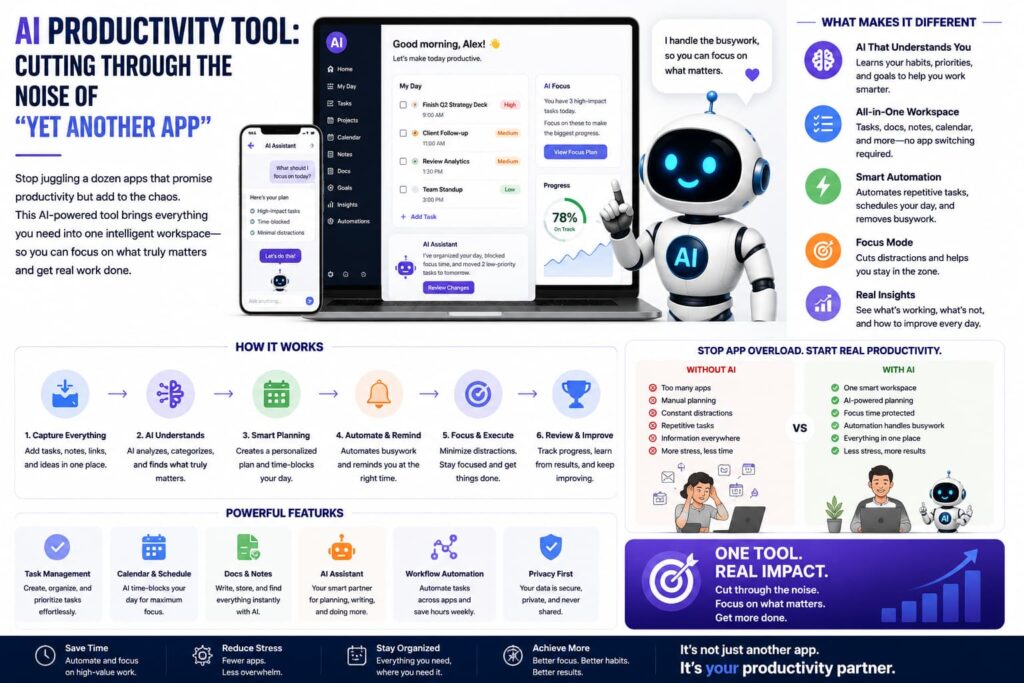
Generic Tool vs. Purpose-Built AI Productivity Tool
Generic App AI Productivity Tool
Learns your patterns No Often, over time
Understands context No Yes, to varying degrees
Reduces manual steps Not really That’s the whole point
Works across your stack Rarely Frequently, via integrations
Adapts as things change No Depends on the tool
How to Actually Build a Stack Without Drowning in Apps
Here’s the mistake I made, and honestly the one most people make: collecting tools before identifying the actual bottleneck. The better approach is picking your biggest time drain first is it email, scheduling, task chaos, repetitive manual work and choosing one solid tool for that specific problem before adding anything else.
A useful rule that keeps coming up when people who’ve actually tested a lot of these tools talk about it: three tools, not thirteen. One for writing, one for scheduling or tasks, one for automation. Master those before layering in anything else. Most people also underuse the AI features already sitting inside tools they already pay for Microsoft 365, Google Workspace, Notion before reaching for a new subscription entirely.
If task chaos specifically is your bottleneck, it’s worth reading about how a dedicated AI task management tool works, since that’s a more focused version of this same idea, built entirely around prioritizing and scheduling your actual work.
The Bottom Line
An AI productivity tool isn’t magic, and it’s definitely not a single app that fixes everything at once. It’s a category of tools, each solving a specific kind of friction writing, scheduling, task overload, repetitive manual work using AI that understands context instead of just following rigid rules. The trick isn’t finding the tool with the longest feature list. It’s figuring out where your actual time disappears and picking one thing that fixes that first.
FAQs
What’s the difference between an AI productivity tool and a regular app with AI added on? A genuine AI productivity tool uses AI as its core function understanding context and reducing manual work rather than just bolting on a chatbot as an afterthought to an existing feature set.
Do I need a separate AI tool for every task, or can one tool cover multiple things? Some tools are broad and cover several functions, like writing and organizing together, while others are purpose-built for one job, like scheduling or task management. It depends on how deep you need each feature to be.
Are AI productivity tools actually worth paying for? It depends on how much time they save you. Free tiers are often enough for light use, but if a tool removes hours of repetitive work each week, the paid version usually pays for itself quickly.
How many AI productivity tools should I actually be using? A common approach that works well is picking one tool each for writing, task or schedule management, and automation, then mastering those before adding more.
Are AI agents inside productivity tools the same as chatbots? No. A chatbot answers questions when you ask. An AI agent inside a productivity tool can carry out a specific, repeatable task on its own, often on a schedule, based on instructions you set once.
Further reading:
Zapier – The Best AI Productivity Tools in 2026
Alai – Best AI Productivity Tools for 2026
Mindset & Skills – New AI Features in Productivity Tools 2026